A grocery list sorted by aisle
Paste your messy list and get it back in the order you walk the shop.
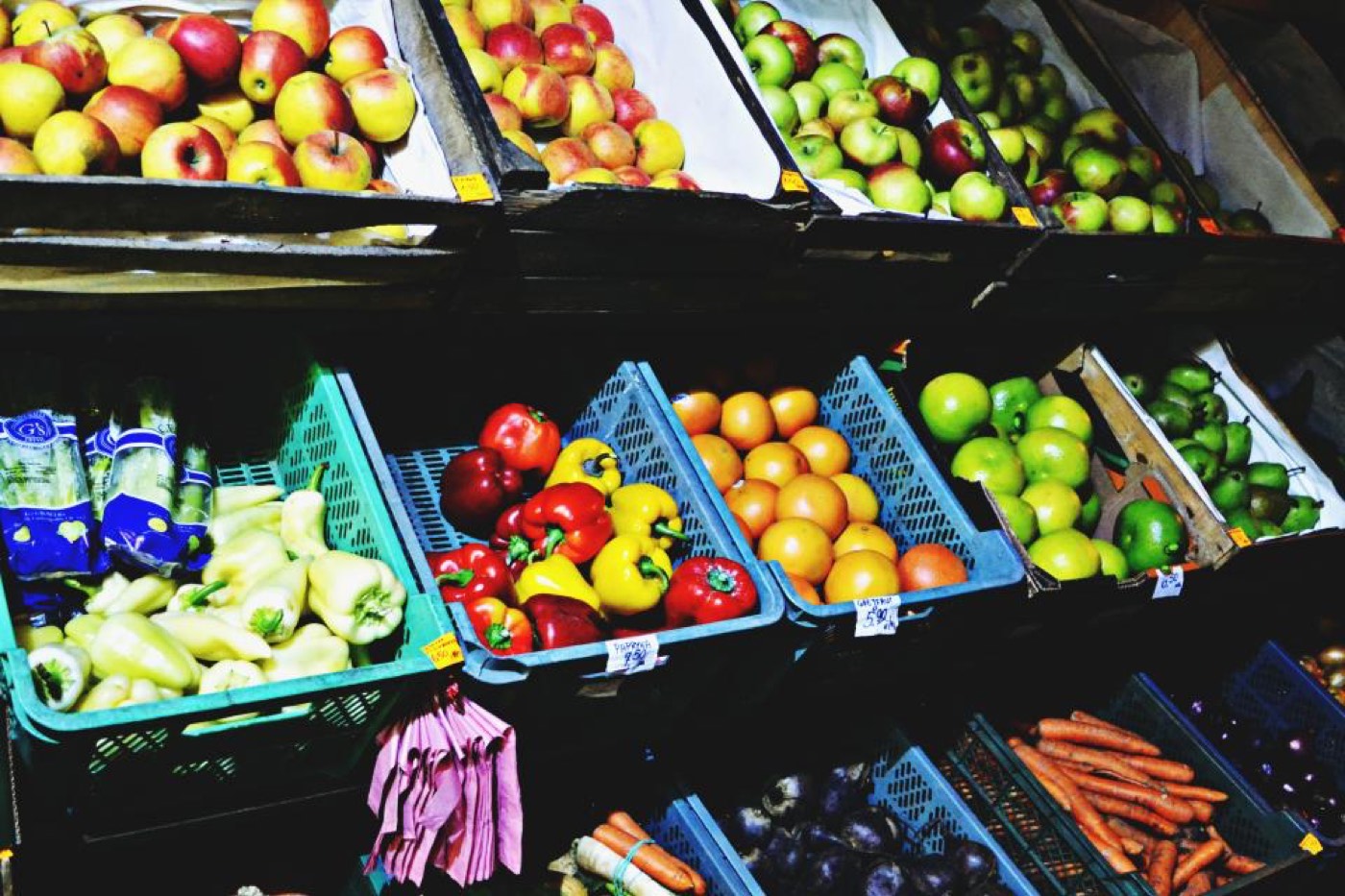
A shopping list written over a week is a jumble: milk, batteries, “that sauce”, onions, milk again. Sorting it by section takes AI two seconds and saves you from walking the supermarket three times. It can also spot what you forgot for a meal you already planned.
- 1
Paste the list as it is
Do not tidy it. Typos and duplicates are fine.
- 2
Say which shop
A general layout is enough: “large supermarket, produce at the entrance”.
- 3
Mention your meals
If you tell it what you plan to cook, it will flag the missing ingredient.
Copy-paste prompt
Here is my shopping list: [paste]. Remove duplicates, group it by supermarket section in the order of a typical shop, and add quantities where I forgot them. This week I am cooking [meals] — tell me if anything is missing.
Replace the parts in [brackets] with your own details.
Velina’s tip
Ask for a second version marked “cheapest sensible swap” next to branded items, and decide in the aisle.
Why the order of a list matters
A shopping list written as you think of things sends you back and forth across the shop: milk, then bananas, then back for yoghurt, then to the far corner for bin bags. Sorting the same list by section turns the shop into one loop. You walk each aisle once, you are finished sooner and you pass fewer tempting shelves on the way. It is a small change that most people keep for good once they have tried it.
AI is well suited to the job because the task is pure tidying. It removes duplicates, merges “tomatoes” and “2 tomatoes for salad”, groups everything and puts the groups in the order of a typical shop.
A worked example
The raw list reads: milk, bread, tomatoes, chicken, washing-up liquid, eggs, tomatoes for salad, pasta, cheese, apples, toilet roll, yoghurt, onions, frozen peas, coffee.
The sorted version comes back as: fruit and vegetables, with tomatoes, onions and apples. Bakery, with bread. Meat, with chicken. Dairy and eggs, with milk, cheese, yoghurt and eggs. Cupboard, with pasta and coffee. Frozen, with peas. Household, with washing-up liquid and toilet roll. Fifteen scattered items have become seven stops in walking order, the tomatoes appear once, and frozen food is last so it stays cold.
Make the list work harder
- 1
Add quantities from your meals
Tell AI what you plan to cook and for how many. It will work out that three recipes need five onions in total.
- 2
Flag what might be at home
Ask it to mark items people usually already have, such as oil, salt and rice, so you check the cupboard before leaving.
- 3
Set a budget
Give a rough total and ask which items to drop or swap for a cheaper equivalent if you go over.
- 4
Tell it your shop’s layout
If your supermarket starts with bakery or keeps eggs in an odd place, say so once and reuse the order every week.
- 5
Split it between two people
Ask for two half-lists by area so two shoppers finish in half the time.
Follow-up prompts
- “Here are five dinners I plan to cook: [list]. Add everything I need to my shopping list with total quantities.”
- “Mark the items that are usually cheaper as own-brand, and the ones where the brand tends to matter.”
- “I shop once a week. Which of these fresh items should I use first, and which will last until the weekend?”
- “Turn this into a list for an online order, with items grouped the way supermarket websites group them.”
- “Create a reusable staples list for a household of [number], split into weekly, fortnightly and monthly items.”
- “I only have a small basket and twenty minutes. Cut this list to the essentials for the next three days.”
Build a master list once
The biggest saving comes from never starting with a blank page. Ask AI to help you write a master list of everything your household buys regularly, grouped by section. Keep it in your notes app. Each week you copy it, delete what you do not need and add anything special. Writing the list then takes two minutes, and the forgotten item that sends you back to the shop becomes rare.
A shared note works well for households. Anyone who finishes something adds it. On shopping day you paste the messy shared note into AI and ask for the clean, sorted version.
Shopping habits that pair well
- Check the fridge, the freezer and the cupboards before you write anything. A photo of the fridge shelf is a useful reminder in the shop.
- Eat before you go. Shopping hungry reliably adds things to the trolley.
- Look at the price per kilo or per litre on the shelf label. It is the fairest way to compare sizes.
- Buy frozen vegetables and fruit for the end of the week. They do not spoil and the quality is good.
- Stick to the list for everything except real bargains on things you would buy anyway.
What AI does not know
It does not know your shop’s prices, offers or stock, and it will guess if you ask. It cannot tell you whether a product contains an allergen. Only the label can do that. Use it for the organising and do the checking yourself at the shelf.
It may also group an item in a place that differs from your shop. Correct it once: “in my supermarket, eggs are next to the bakery”. Then ask it to remember the order for the rest of the conversation.
Common mistakes
- Writing vague items. “Something for dinner” on a list always becomes an impulse buy.
- Forgetting non-food items until you are home. Give household goods their own group.
- Making the list too detailed to read. Short lines, one item each.
- Throwing the list away. Last week’s list is the best starting point for this week’s.
Quick questions
- 1
Is this faster than a shopping app?
For sorting and merging a messy list, yes. Many people then paste the result into the app they already use.
- 2
Can it remember my list from last week?
Only if your app keeps memory or you paste it again. Keeping the master list in your own notes is more reliable.
- 3
Does it work for big monthly shops?
Very well. Ask for sections and for sub-totals of items per section so nothing is missed.
Velina’s tip
Add one line at the bottom of every list: “check before paying”. Under it, write the two things you most often forget. For many households it is bin bags and something for tomorrow’s lunch.
AI assistants can be wrong. Check prices, dates, health and legal details against an official source before you act, and never paste passwords or card numbers into a chat.